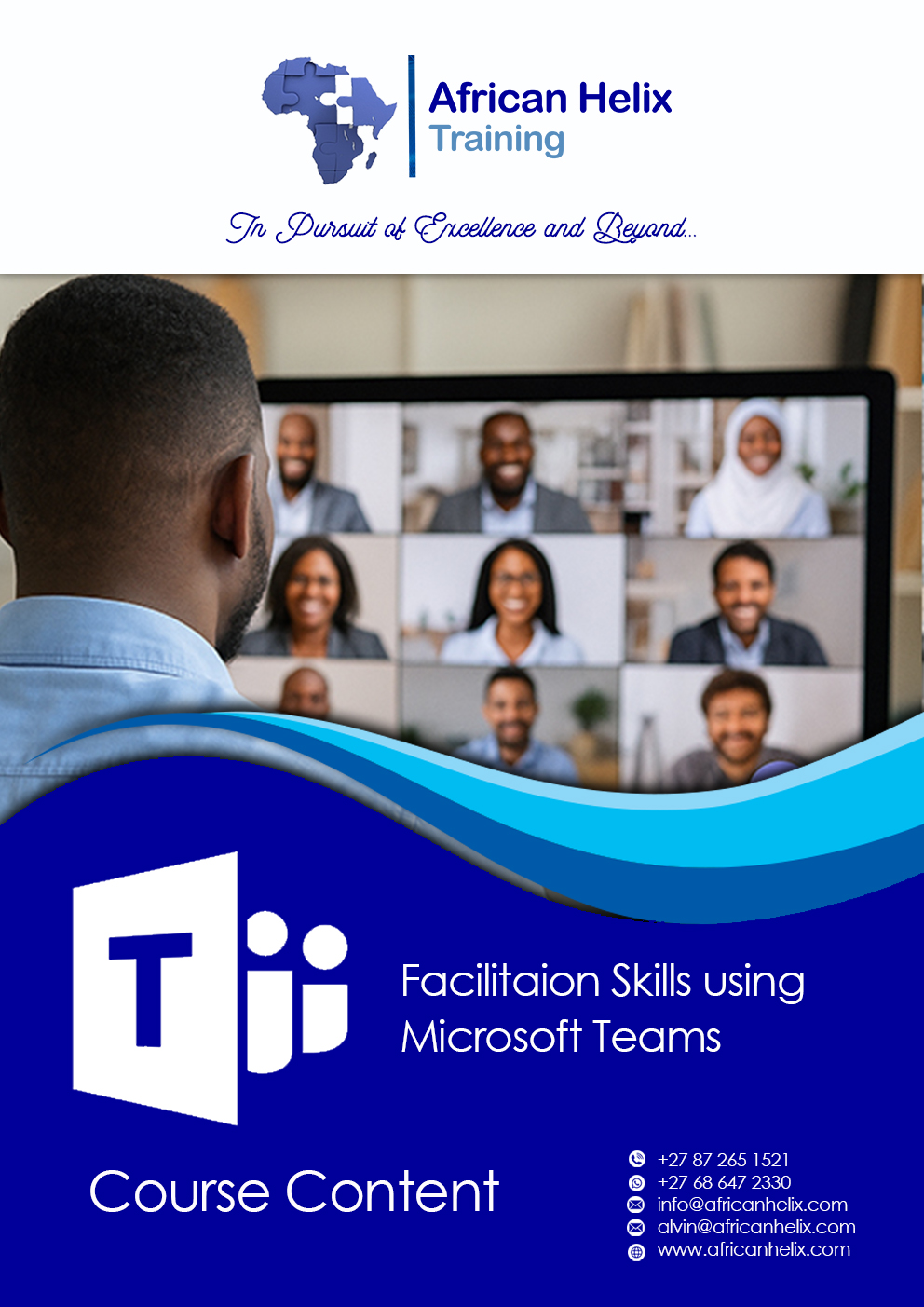
This course equips you with the techniques, tools, and confidence to lead effective meetings, workshops, and training sessions using Microsoft Teams. You’ll learn not just the “how-to” of Teams’ features, but also the art of online facilitation—keeping participants focused, involved, and connected. Whether you’re running a small project meeting or a large-scale training, you’ll discover strategies to manage discussions, encourage interaction, and handle common challenges in virtual facilitation..
Course Content
• Understanding the role of a virtual facilitator
• Planning and structuring effective Teams sessions
• Leveraging Microsoft Teams features for facilitation (meetings, breakout rooms, polls, whiteboards, chat, and reactions)
• Creating participant engagement in a virtual environment
• Managing group dynamics and encouraging collaboration
• Handling difficult situations and technical issues smoothly
• Using Teams to support blended learning and hybrid meetings
• Post-session follow-up and sustaining engagement